Inside the app
Build workspace
Tasks, notes, resources, and connections — the practical side of building, kept out of the strategy.
Each product has a Build workspace with four practical panels. Their design rule: nothing here feeds the score, the gates, or the recommendations. Validation data drives strategy; the Build workspace just makes building (and maintaining) sane.
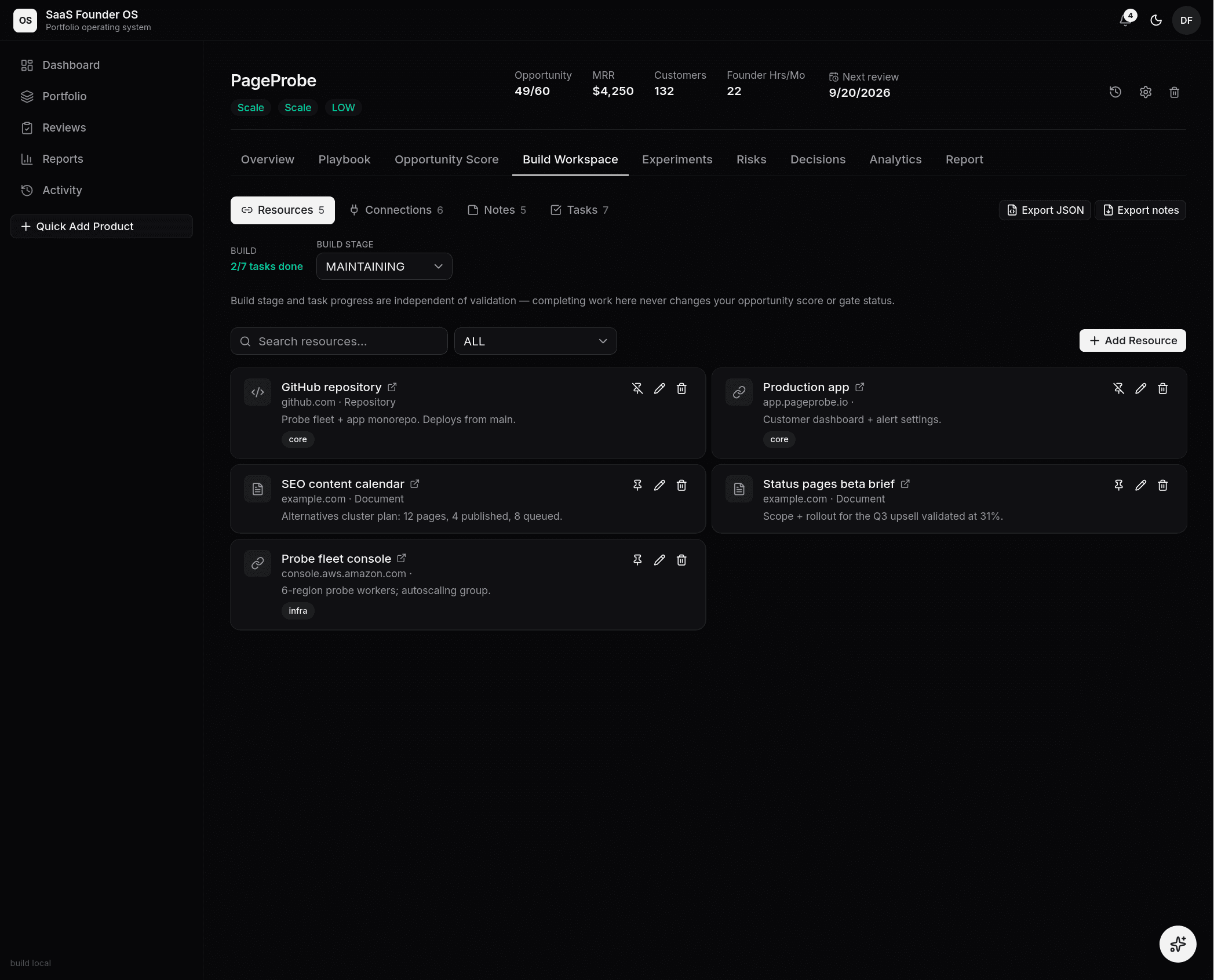 The Build workspace — resources, connections, notes, and tasks, with the
build stage kept deliberately separate from validation.
The Build workspace — resources, connections, notes, and tasks, with the
build stage kept deliberately separate from validation.
- Tasks — a lightweight project board (status, priority, due date, milestone). Tasks can cross-link to related notes, resources, and connections, so "implement webhook retry" can point at the research note that justified it.
- Notes — the research memory: interview notes, bug post-mortems, ideas. Typed (general, research, retrospective…), tagged, pinnable, and linkable to anything else in the workspace.
- Resources — the link shelf: repos, dashboards, designs, docs — typed, tagged, pinnable.
- Connections — the infrastructure registry. For every external service: which environment it's on, its status (planned → live), dashboard/docs URLs, account identifier, and a credential reference — a pointer to where the secret lives (your password manager, an env var name). Secrets are never stored here; the registry records where they are, so nothing lives only in one founder's head.
Where it earns its keep
When you pick a product back up after three weeks away, or hand a product to a teammate on a Team plan, the Build workspace is the difference between "where was everything?" and a five-minute catch-up. Product templates carry its structure into your next product too.